
How to change the background color of your Wordpress website with Divi?
Here’s how to change the background color of your Wordpress website with Divi.
- In your Wordpress CMS Dashboard, click the Divi extension.
- Make sure you are in the Theme Customizer options.

- Click on the General Settings section.

- Click on the Background section.
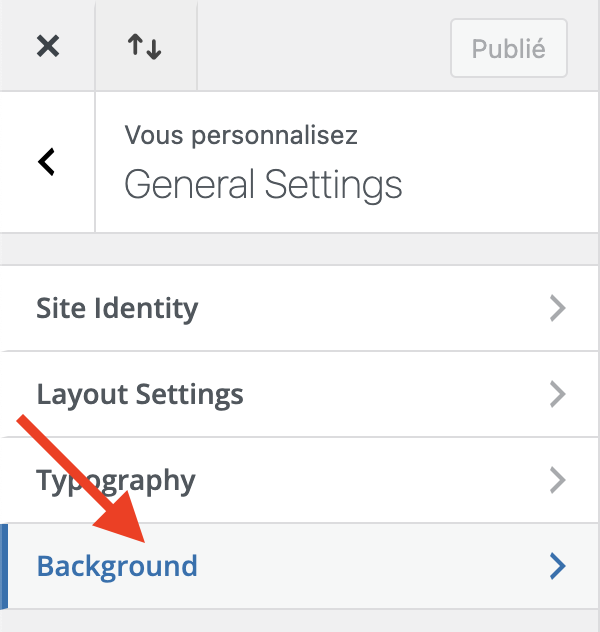
- Below Background color, choose the color that suits you.

- Then click Publish.

Congratulations, now you can change the background color of your Wordpress website while using Divi.
Updated on: 31/07/2026
Thank you!